ReluxEnergyCH –
Verifying and printing
After entering all the essential project data, you can then view the summary:
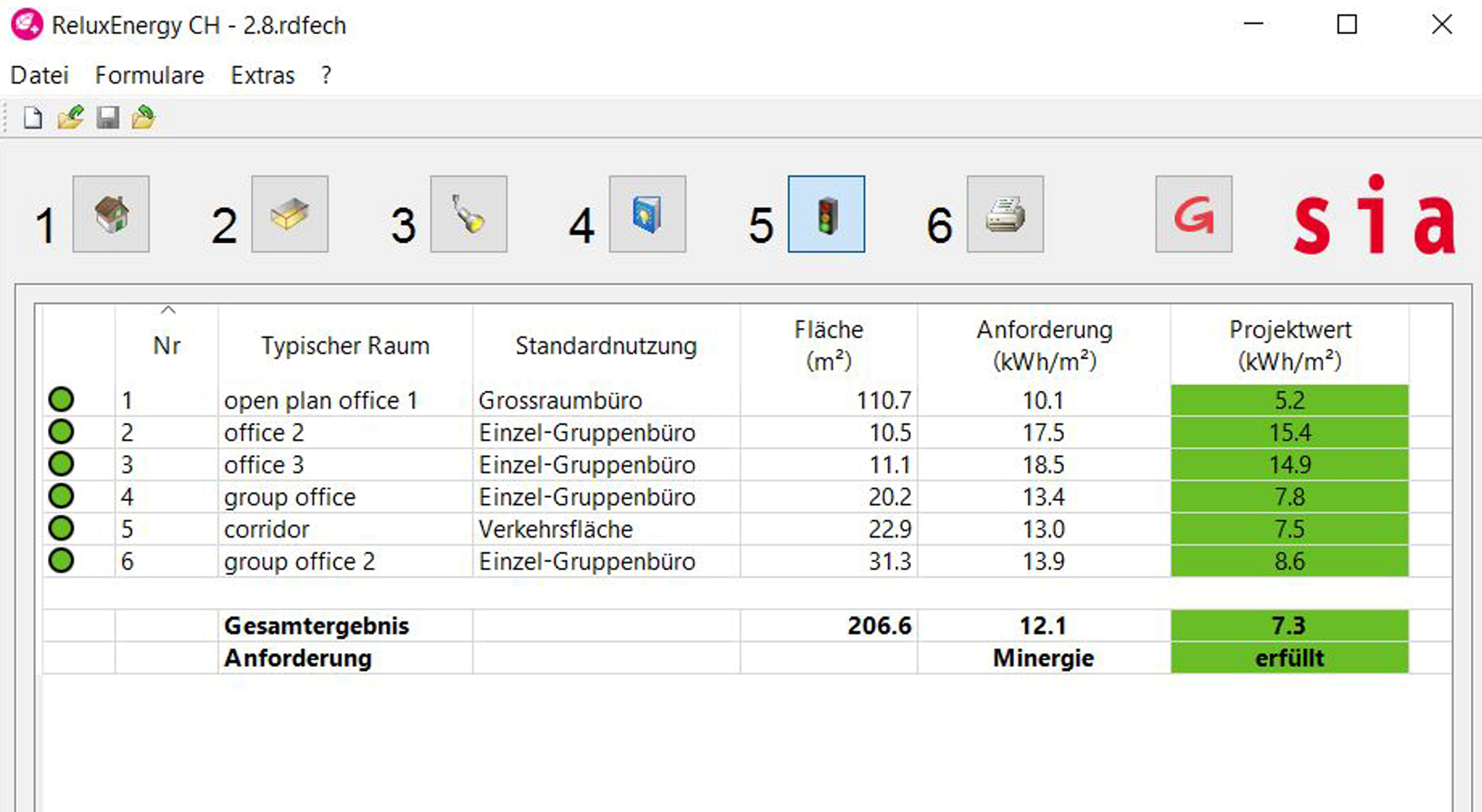
After verifying that the project fulfills the energy requirements, you may proceed to print it:
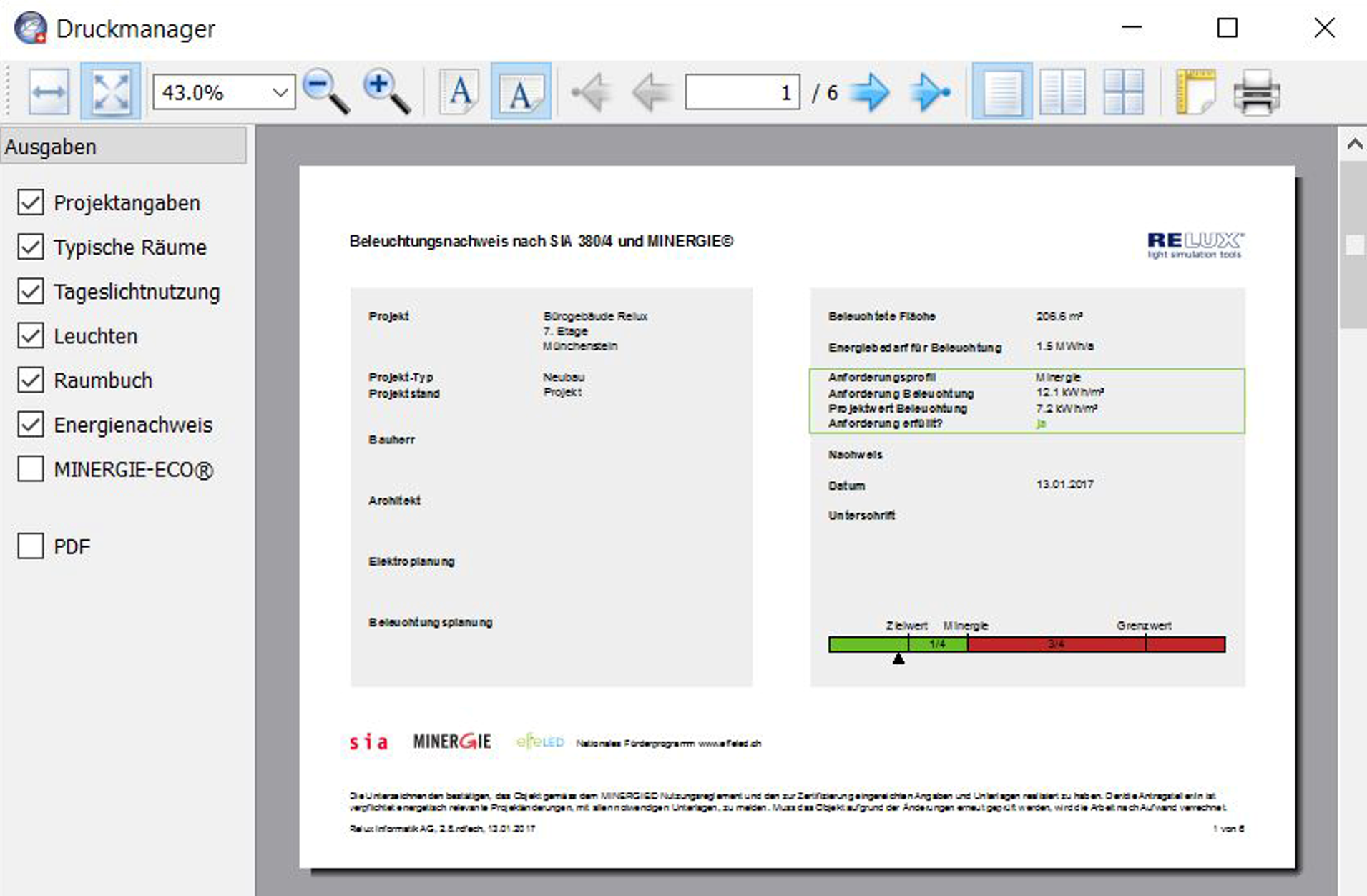
The entire certificate comprises at least six tables.
If the room book contains a large number of rooms, the overall certificate will automatically contain more than six pages.
The tables can be printed on any desired printer or saved as a ".pdf" file.
For the certificate to be valid, it must be signed on the first page. With a signature, the planner confirms that the details they have provided are correct to the best of their knowledge.
In the case of MINERGIE® projects, the planner accepts the MINERGIE® licence conditions (see www.minergie.ch ) .
Overview of ReluxEnergyCH