ReluxDesktop – Move and scale room elements
Learn how room elements (windows, doors and paintings/drawings) can be selected directly on the wall and moved afterwards.
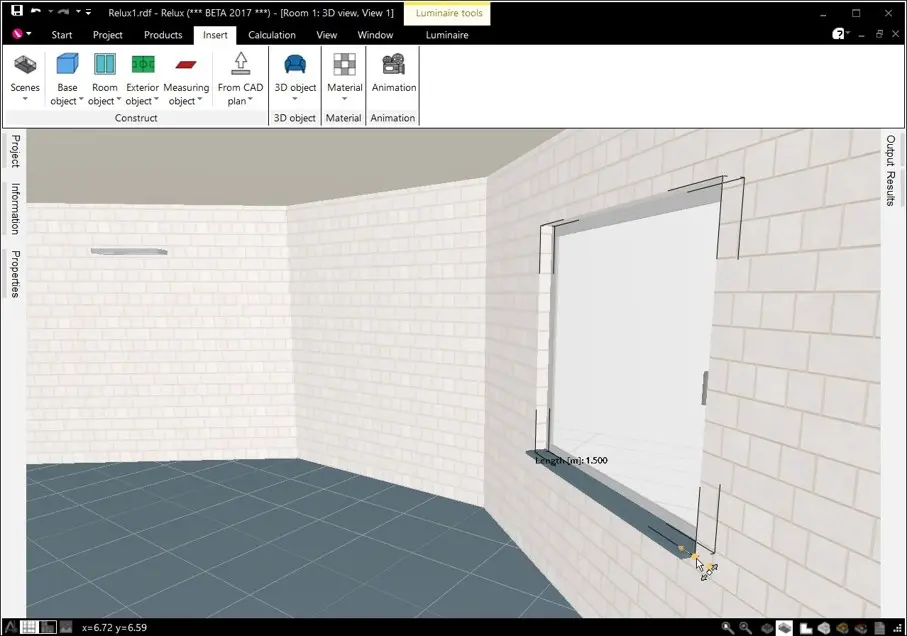
Their size can be changed as well.
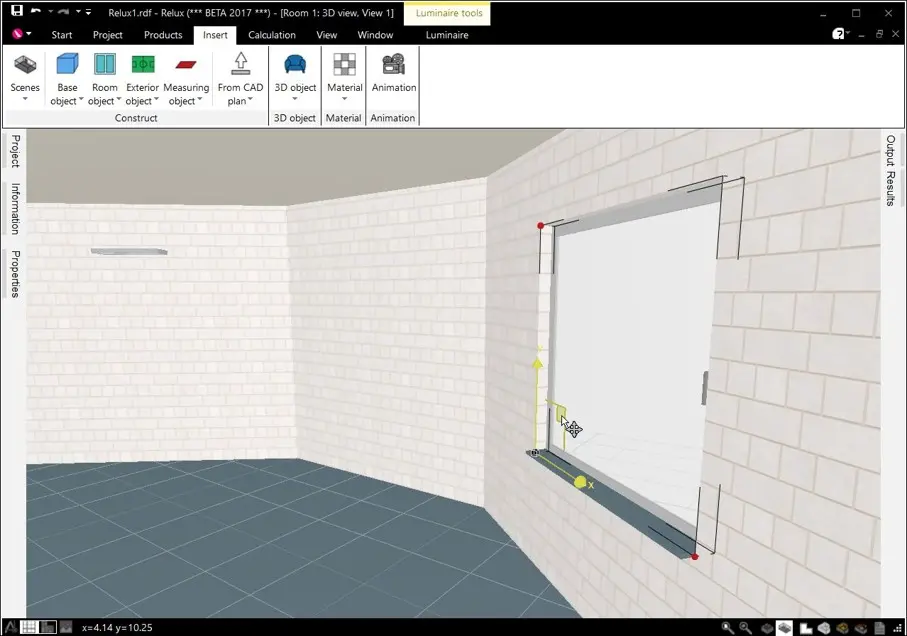
To change a dimension, click on the red point and move the mouse.
To move the wall element, use an axis (X, or Y) or the square area between the X- and Y-axes.
If you would like to move the wall element from one wall to another, click on the black cube and press the left mouse button while moving it.