ReluxDesktop – Error when saving a project
Getting an error message while trying to save a project?
Problem
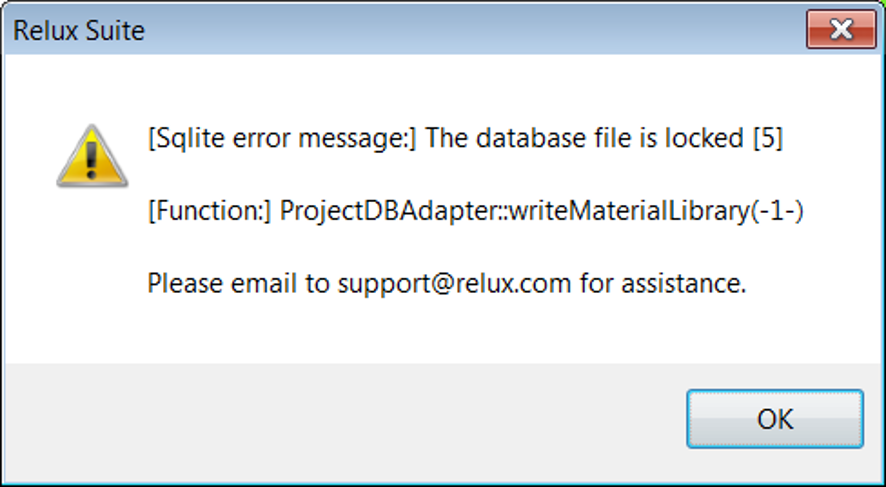
You are trying to save a project, however, the above window message keeps popping up "Sqlite error message".
Cause
This is a rare error that sometimes occurs when a project is used via a network drive.
Since ReluxDesktop projects are based on SQLite databases, parts of the database can (and will) be locked when multiple users work or saved on the same database.
Solution
Select "Save as" and save the project locally.