Installation and Update –
On Mac OS X
No Windows PC? No problem.
Explanation
ReluxDesktop cannot be directly installed on a MAC OS System.
It is possible to use third party virtualization software (e.g. VMware, VirtualBox, Parallels) that allows you to run Windows on your Mac OS environment.
Note: while using ReluxDesktop on Mac OS in Parallels, the rendering process (Enscape) is not supported due to the need for a graphics driver.
In turn, this will allow you to install and use ReluxDesktop on the emulated Windows system.
The most known virtualization programs are:
It is possible to use third party virtualization software (e.g. VMware, VirtualBox, Parallels) that allows you to run Windows on your Mac OS environment.
Note: while using ReluxDesktop on Mac OS in Parallels, the rendering process (Enscape) is not supported due to the need for a graphics driver.
In turn, this will allow you to install and use ReluxDesktop on the emulated Windows system.
The most known virtualization programs are:
- VMware
- VirtualBox
- Parallels
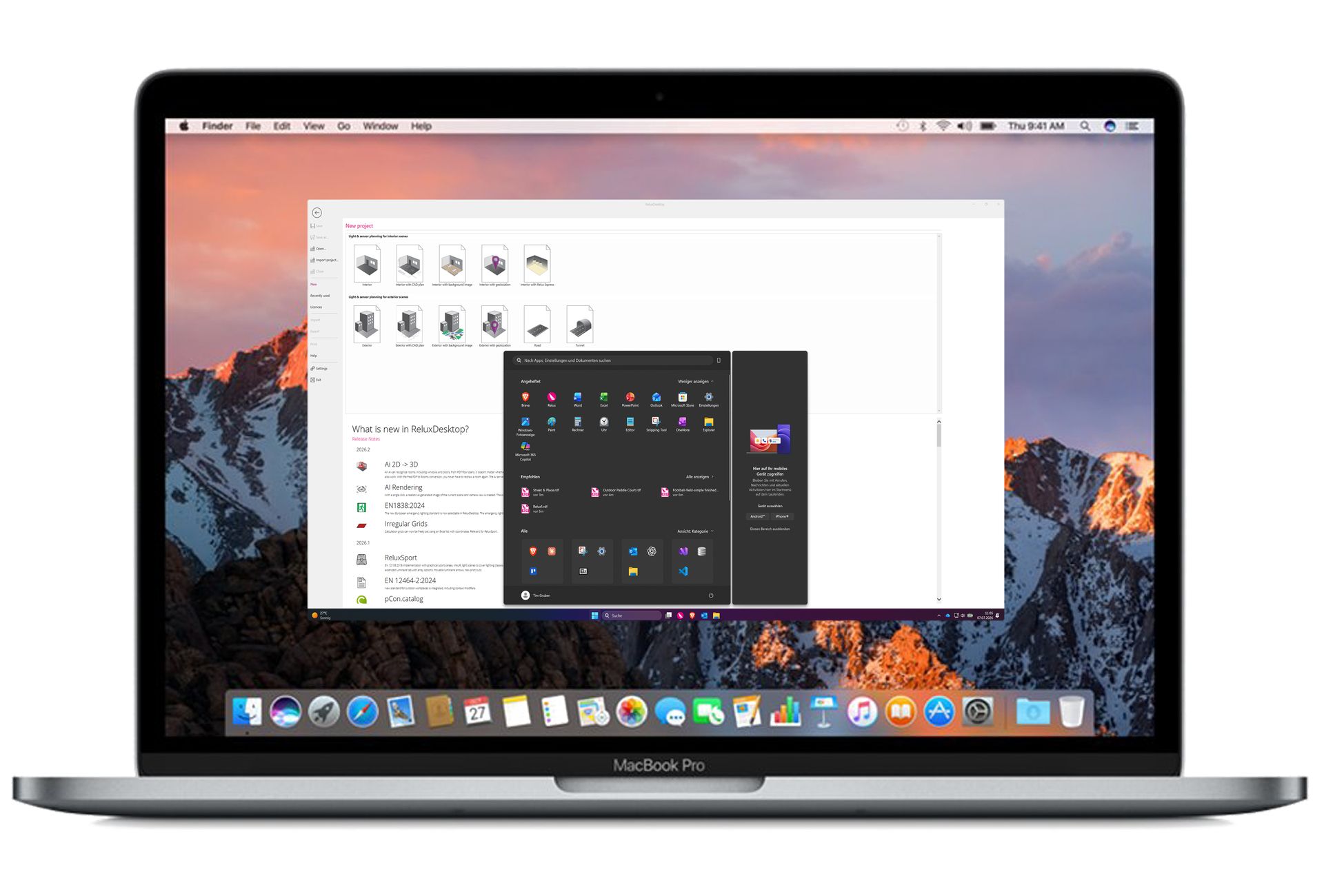
Running Windows environments via virtualization software allows you to install and utilize the full suite of ReluxDesktop features on a Mac OS platform.
Resources
https://en.wikipedia.org/wiki/Parallels_Desktop_for_Mac
https://en.wikipedia.org/wiki/VMware
https://en.wikipedia.org/wiki/VirtualBox