ReluxDesktop 2026.1 Update
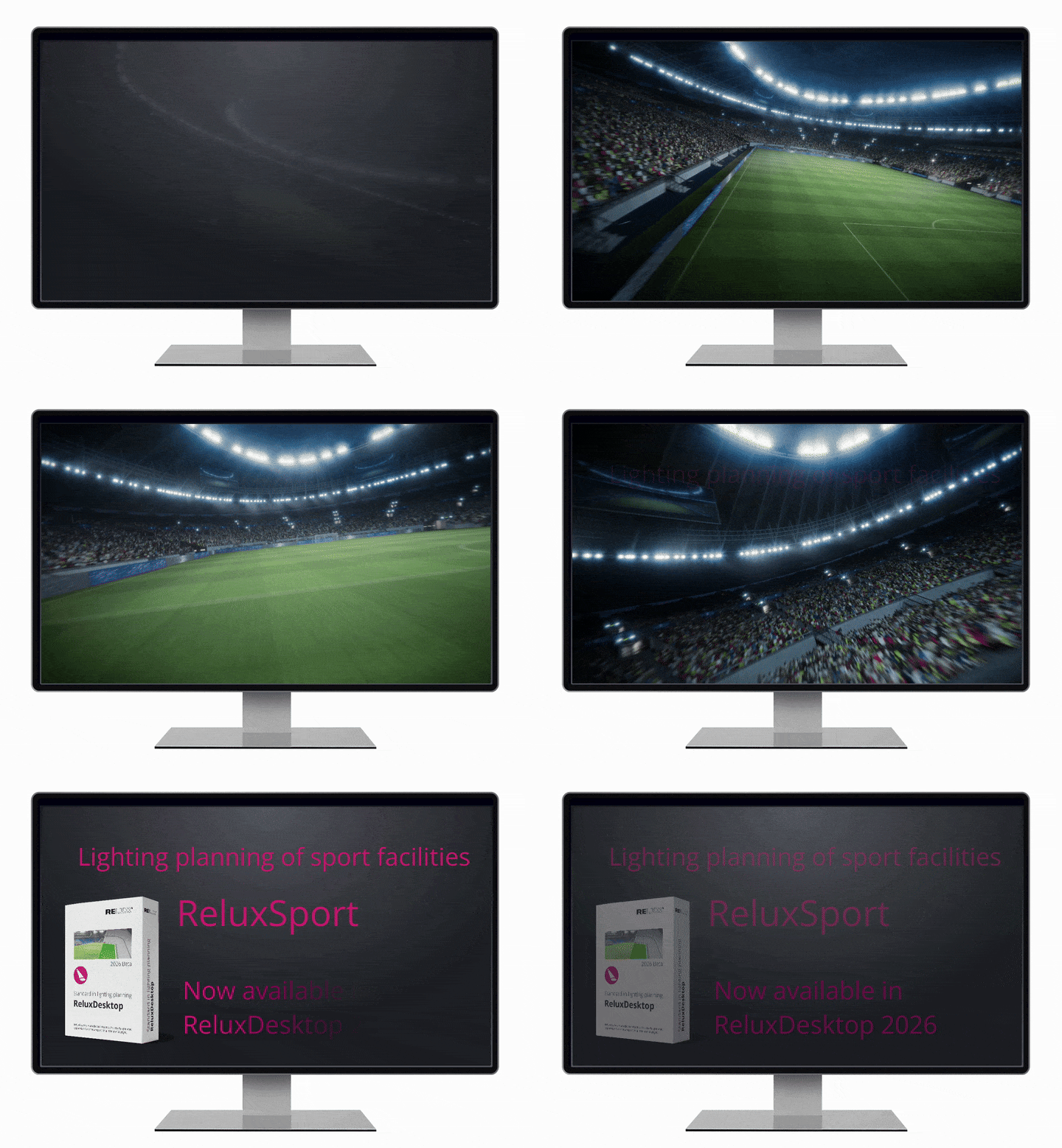
New in ReluxDesktop 2026
- ReluxSport (Basic features and Add-on)
- EN 12464-2:2024
- pCon.catalog (3D objects)
- pCon.catalog (Materials)
- improved IFC interface (free IFC export)
All these improvements are now available in the latest version of ReluxDesktop. Update ReluxDesktop to the version 2026 and test the ReluxSport Add-on 7-days for free.
Download ReluxDesktop 2026
Download the ReluxDesktop version 2026 and take advantage of the latest features, such as ReluxSport, pCon.catalog with a massive 3D data library and the IFC export.

The latest updates at a glance
ReluxSport Add-on
Planning Sports Lighting Faster Than Ever
From Local Fields to Global Arenas

Try ReluxSport Add-on for free.
ReluxSport – Supporting 40+ outdoor and 50+ indoor sports
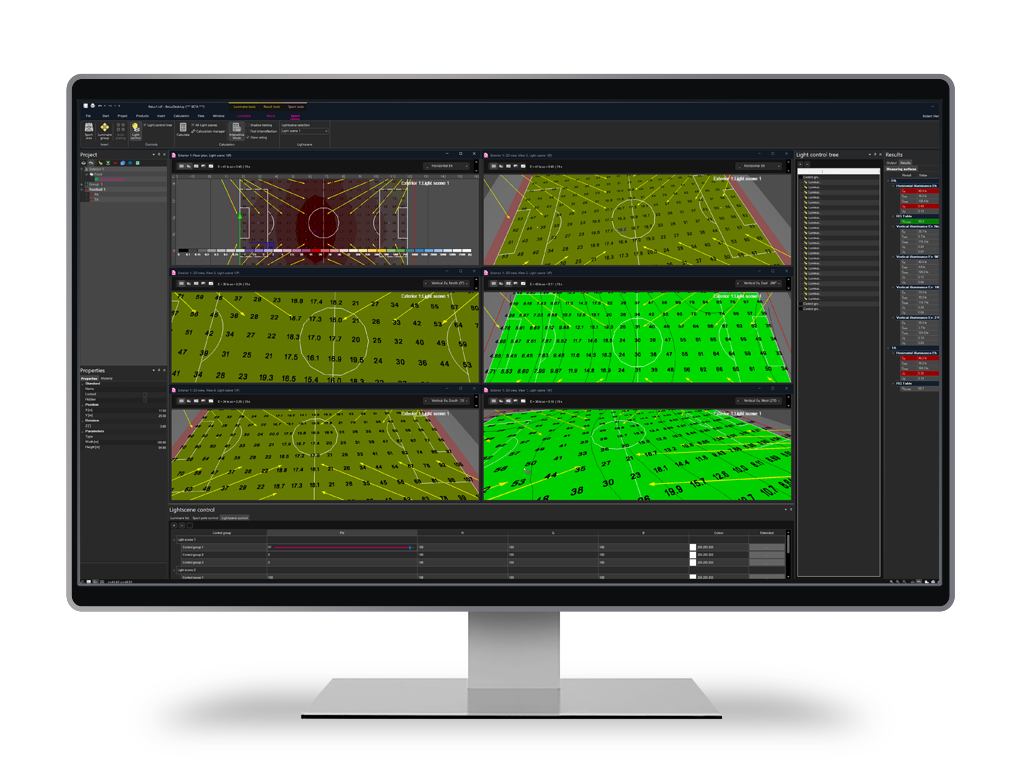

«The update also includes ReluxSport, which makes planning sports facilities much easier. For example: By grouping luminaires, their alignment on the playing field can be defined in parallel and simultaneously. This supports efficient planning.»
Klaus Heiss, vice CTO, RELUX Informatik AG
ReluxSport – Key functions in detail
- Playing fields for football, tennis, basketball, athletics, volleyball, etc
- Sports areas include norm-relevant evaluation zones such as Principal Area (PA) and Total Area (TA) according to EN 12193.
- Display of relevant areas including camera and TV zones (PRO version)
- Definition of training and competition classes (Class I–III)
- Separate lighting scenes can be defined and evaluated for each class within one project.
- Visual representation of uniformity using MAUR.
- Uniformity values are displayed directly on the relevant evaluation areas for clear and fast interpretation.
- Quick switching between scenes
- Immediate display of lighting values
- Parallel windows with individual viewing angles
- Comparison between training and competition modes
- Viewing angles for goalkeeper, sideline and camera positions (PRO)
- Grouping and mirroring luminaires
- New arrow tools for alignment
- Array functions for efficient distribution
- Significant time savings for large installations
- Standard-compliant EN 12193 printouts
- Clear tables for lighting scenes, requirements and results
- Consistent documentation of multiple lighting scenes
EN 12464-2:2024
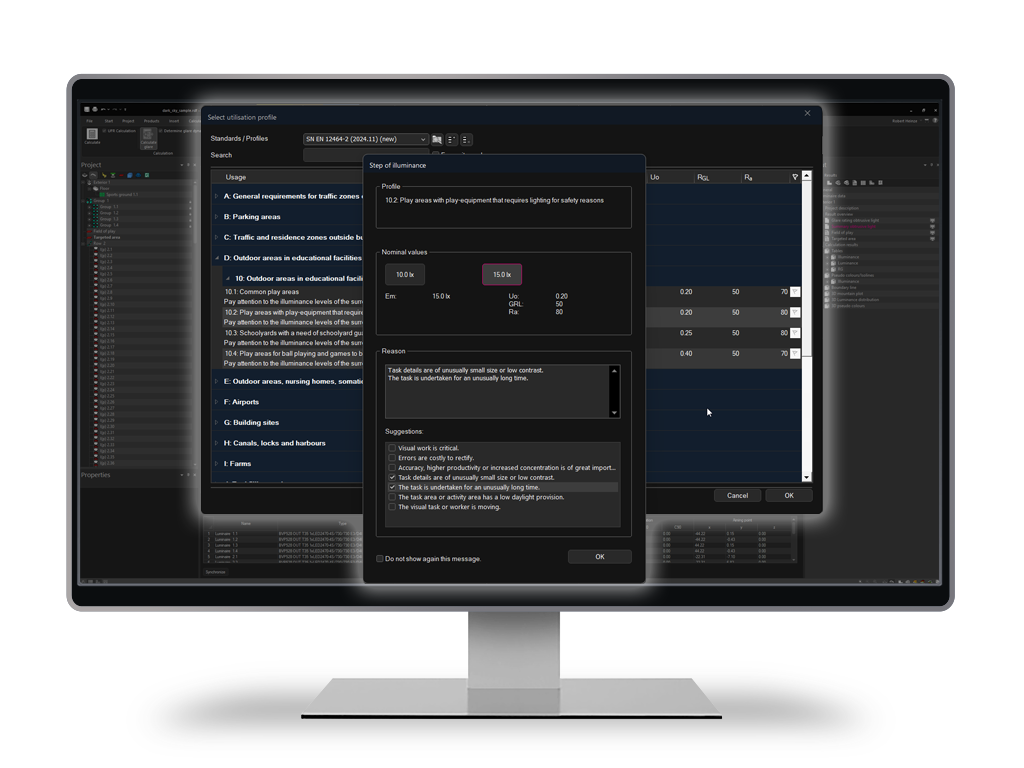
✅ New requirements for outdoor workplaces
✅ Context modifiers integrated
✅ Clear presentation in the user interface
pCon.catalog with massive 3D library
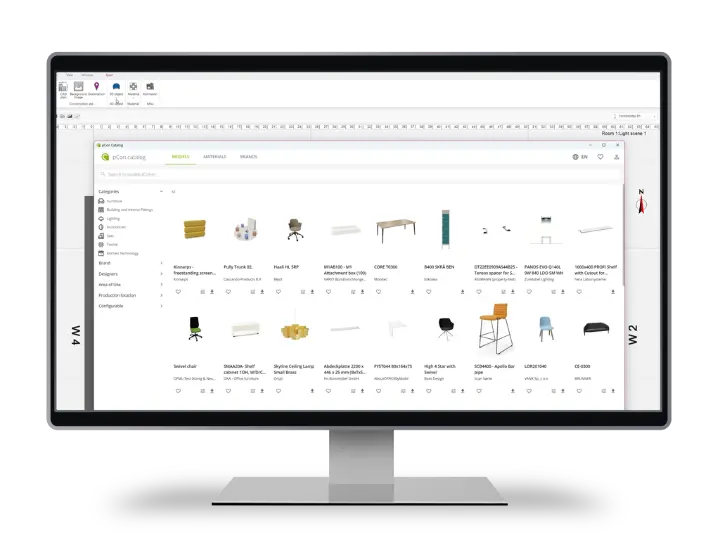
✅ Access via Insert – 3D Object
✅ High-quality furniture, fittings, interior objects
✅ Ideal for realistic scenes in architecture and interior design projects
More materials for realistic visualisations
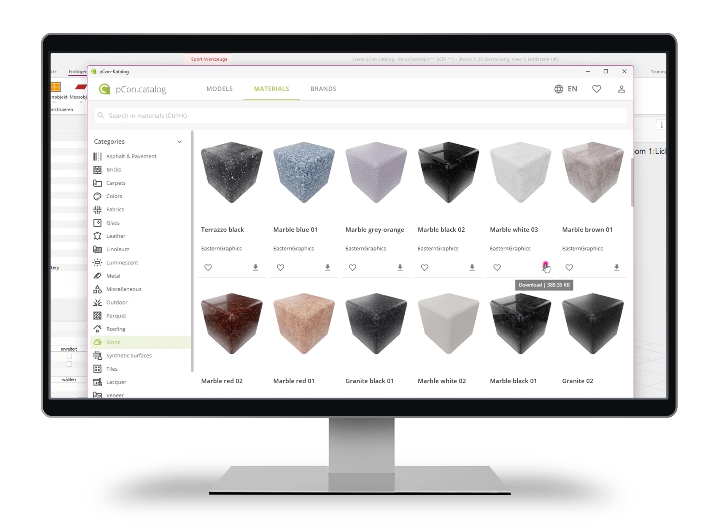
With the pCon.catalog material library, you can import surfaces such as wood, metal, glass, fabrics, and stone directly into ReluxDesktop and use them in your planning. This is especially helpful for presentations and for visually assessing lighting moods, reflections, and contrasts.
What’s new: ReluxDesktop can now correctly interpret the materials from the pCon catalog and pass them through to both Ray Tracing and Enscape. This ensures that material properties – such as transparency, reflections, and surface structure – are displayed far more accurately in the visualization.
In ReluxDesktop’s classic radiosity view, many of these effects can only be shown to a limited extent. With Ray Tracing and Enscape real-time visualization, transparencies, reflections, and surface details become visible the way you would expect from modern, photorealistic renderings.
✅ More realistic presentations thanks to photorealistic textures, structures, and accurate material rendering
✅ Wide range of materials: wood, metal, glass, textiles, colors, and stone
✅ Better basis for decision-making: materials can be exchanged quickly and easily, so the impact under different lighting conditions can be assessed faster
✅ Greater visibility of material effects with Ray Tracing & Enscape – significantly more realistic compared to the classic radiosity view
Improved IFC Interface
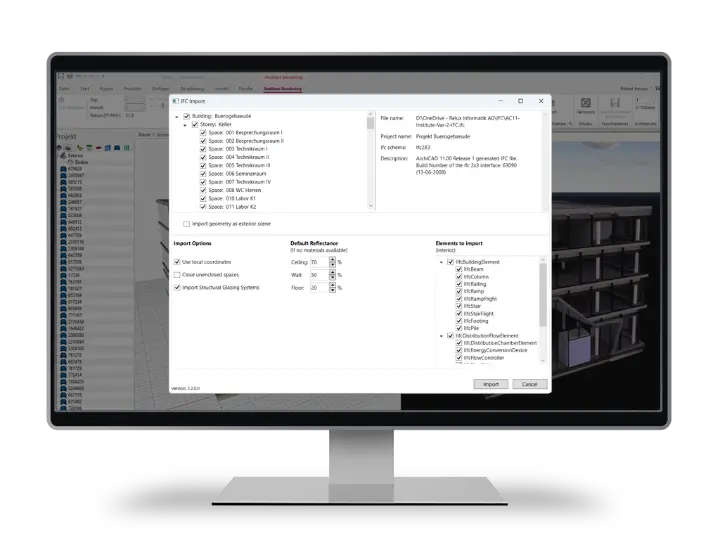
✅ New filter for quick selection of relevant elements
✅ Free export of luminaires into previously imported IFC Files
✅ Basis for IFC-based BIM workflows
All the latest news presented in the video

Download ReluxDesktop 2026
Download the ReluxDesktop version 2026 and take advantage of the latest features, such as ReluxSport, pCon.catalog with a massive 3D data library and the IFC export.